Welcome back to my devlog!
Since the last devlog, ive been busy making the pilot’s data display in the UI and its made me realise that making an IOS app is so easy to say but quite difficult when you get stuck into it! Well at least for a noobie like me!
The main aspects that i worked on was when the user selects a pilot - to display the pilots details - and the optimisation of how the icons were rendered as the initial implementation was VERY slow, laggy and horrible to use.
Settings Page
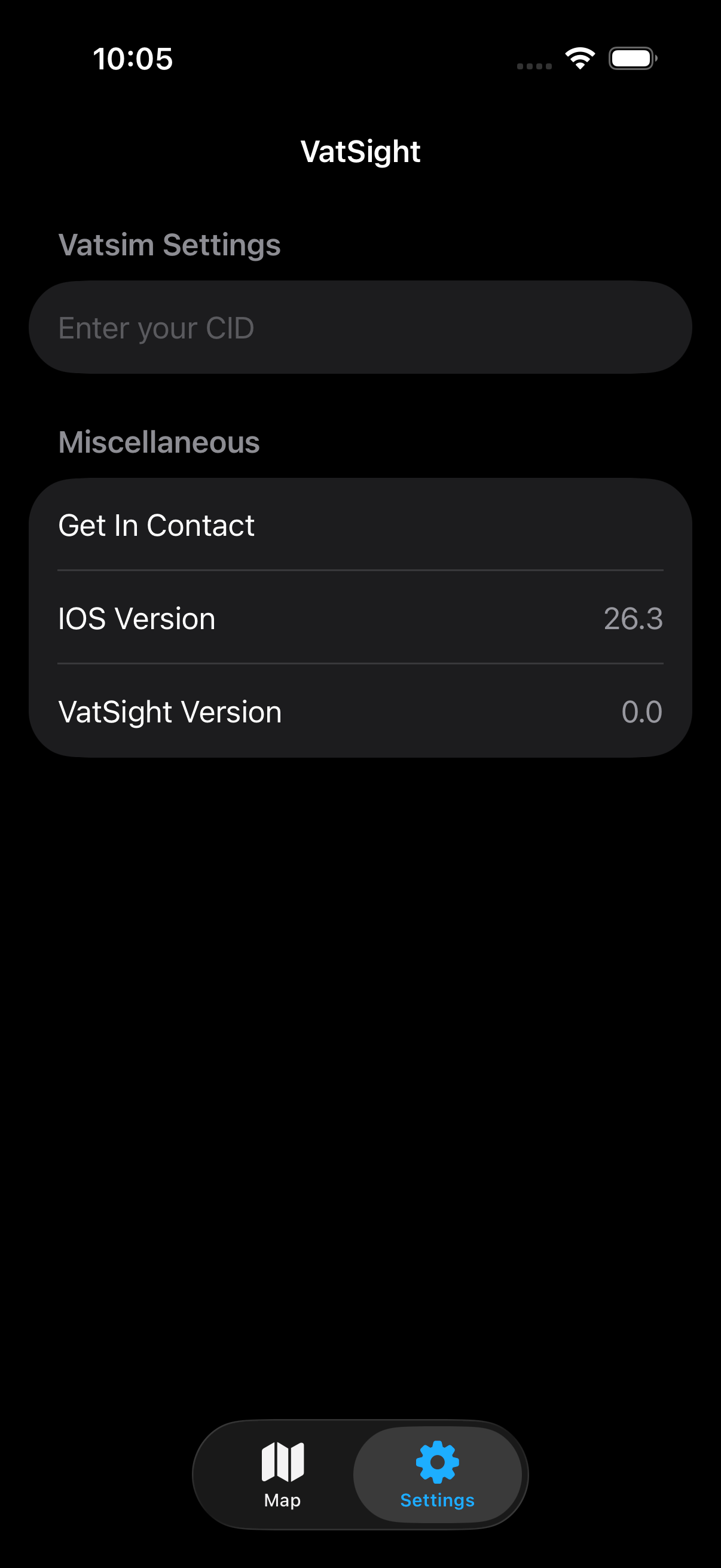
Up to now the map page was the only page in the app. I thought about different implementations of a settings page but I ultimately decided to go with a tab bar at the bottom of the screen.
Using swift data, I was able to track the last position of the map including lat, log and zoom which I then save to a swift data user model. This saves the data and when the app is closed and reopened the data persists, opening the map exactly where it was left off. I have also setup for the user to enter their Vatsim CID for future features, this currently does nothing.
Pilot Selection
When a pilot icon is pressed, its quite intuitive that a menu should appear of all of their details. With the view annotations that was made quite easy with a .OnTapGesture which showed the sheet. In the Pilot Details sheet I added all of the flight parameters as well as a section for a flight plan. If no flight plan is filled, a text message is displayed.
Here is the initial design that I came up with -


With this, I was having an issue where when another aircraft was pressed, the sheet would close and then reopen onto the full screen. This wasn’t the behaviour I desited and it took me far too long to realise how to fix it. The inital way I did this was to have a variable of selectedPilot and whenever that changed the sheet would display. After some searching, i found out that this was a bug and the way to get around it was to have seperate variables for the content and a boolean for showing the sheet. Now when a new pilot is selected, the content is updated but the sheet remains open.

Optimising the Pilot icons
The first way that I implemented the pilot icons and labels was with view annotations. This is quite well documented on the mapbox website and they are very easy to implement! But if its too good to be true it probably is! The drawback with them being easy to implement is that they are very performance heavy as each pilot is rendered individually. If there was 50 pilots that wouldn’t be a problem but on Vatsim theres anywhere between 1000 - 2000 pilots and rendering 2000 objects every time the data refreshes or the map is moved is very costly and you end up with heavy lag spikes while the device catches up.
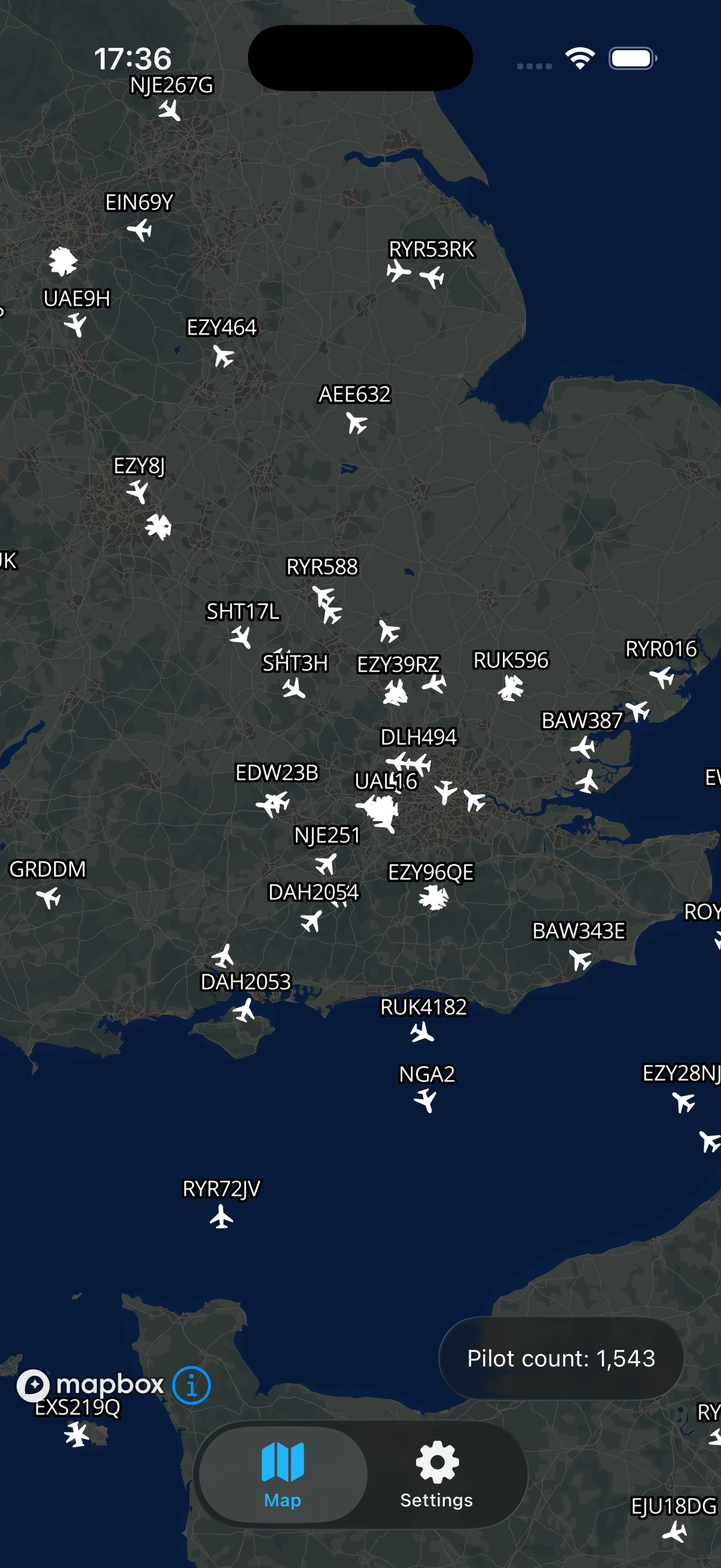
Mapbox have thought of this and included Symbol Layers (SL) - a way to render your own map layer with a custom set of geojson objects. The map then renders all of them at once and only updates them when the data refreshes. The map also culls objects that aren’t visible automatically which further improves performance!
SLs only take in GeoJson data and don’t support swift models once the data is received from the api, parsed into a swift model, it then has to be parsed again into a geojson feature of points to be passed into the map to be rendered.
After I had the pilot icons implemented, I was then able to re add the labels above the aircraft, add the interactions to open the sheets and then I added a second icon for when the aircraft is selected.
That is all that I managed to add or implement, if you would like to see a more detailed change log here it is!
Github Change Log
Thanks for Reading!
Have a question, enquiry or proposition?
Feel free to contact me